
TABLE OF CONTENTS
Introduction
The NPS widgets in CustomerGauge help you track and understand customer loyalty. You can see how promoters, passives, and detractors impact your score. These widgets make it easy to find trends and insights, helping you improve customer satisfaction and retention. Use them to make better decisions for your business.
NPS Gauge
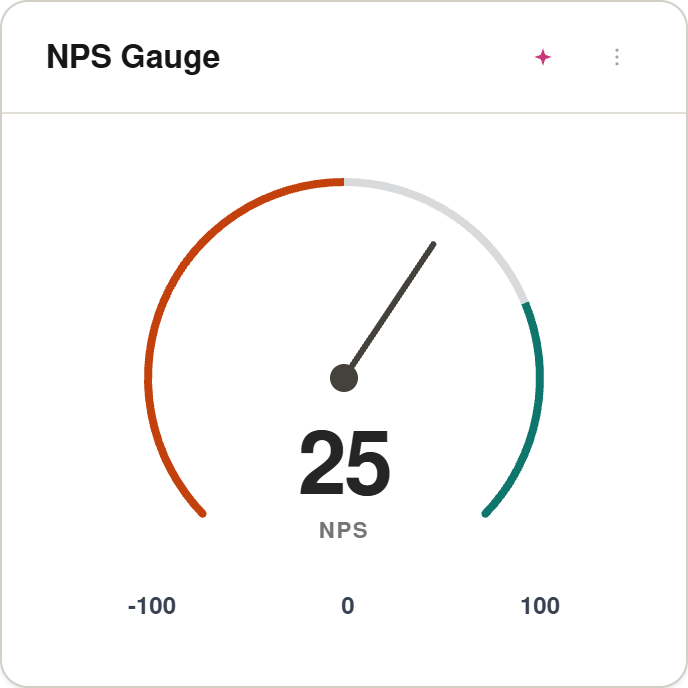
The NPS Gauge displays the Net Promoter Score for a specific period or data set. It provides a quick snapshot of customer loyalty at that moment, helping you assess program performance.
Common Widget Settings
- Widget Properties: Yes
- Survey Date settings: Yes
- Survey Filters settings: Yes
- Is / Is not filter: Yes
- Primary Driver filter: Yes
- Is / Is not filter: Yes
- Show Global Data: Yes
Group By Settings
This reporting widget does not have Group By Settings.
Additional Settings
This reporting widget does not have Additional Settings.
How to add the widget
Add the widget to your report, while editing, by clicking on New Widget in the top-right corner of the screen. Then navigate to the relevant Widget Type, or search for the widget in the search bar.
TABLE OF CONTENTS