
TABLE OF CONTENTS
Introduction
This section allows you to control the "General Settings" related to Gaige AI in your platform.
Where to Configure
System Admins can navigate to Settings → System Admin → System Settings → Gaige AI Brain → Gaige AI General Settings to configure this.
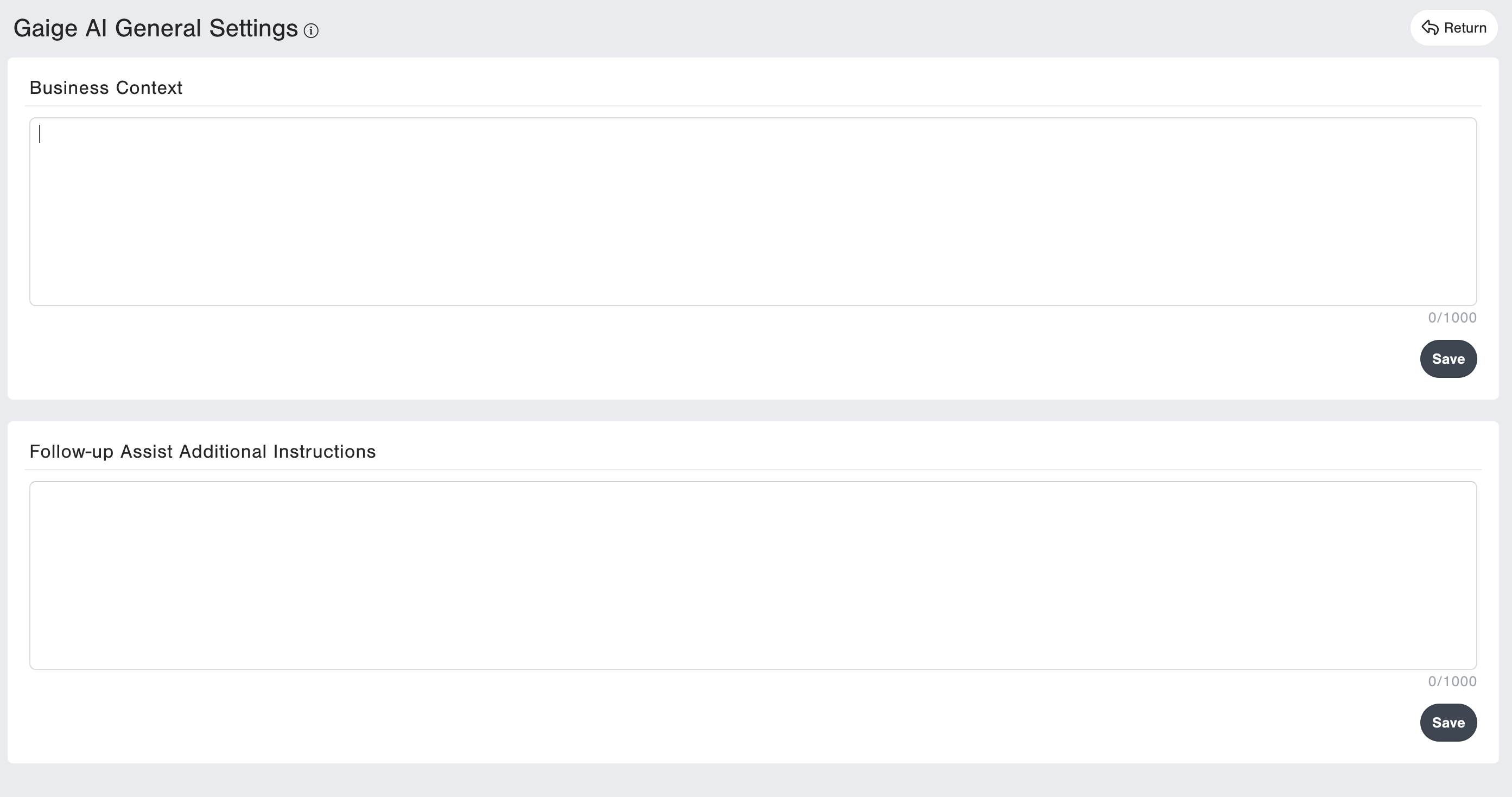
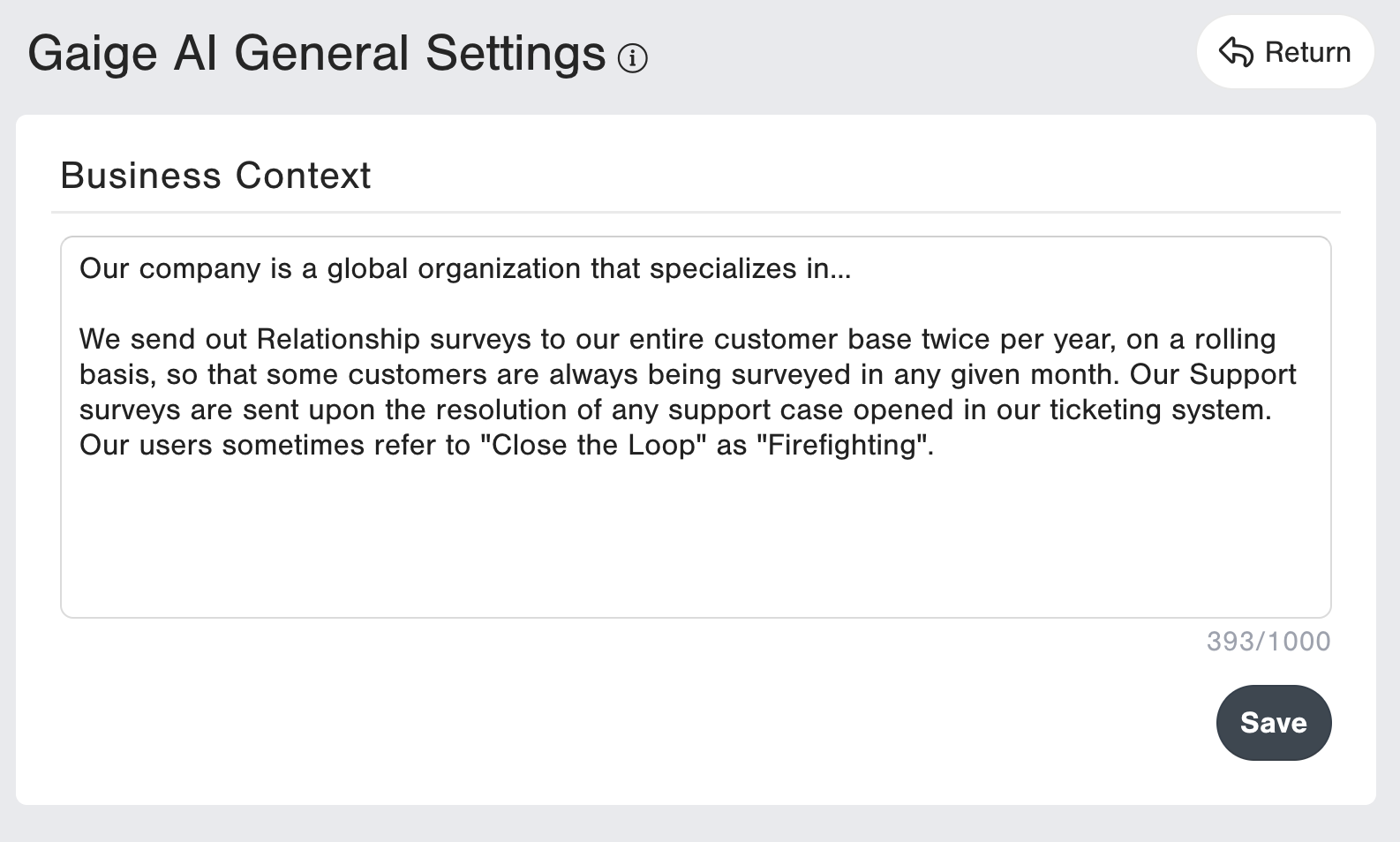
Business Context
For Gaige Chat: In this section, you can provide additional business context about your organization, including general information about your organization as well as specific context about how you use CustomerGauge, how your surveying process typically operates, etc. Gaige is then made aware of this context when you or Users in your system are interacting with certain Gaige AI features, such as Gaige Chat. This can help features like Gaige Chat deliver more accurate insights as it will have context that it wouldn't have been aware of otherwise when responding to questions.
Follow-up Assist Additional Instructions
For Follow-up Assist: In this section, you can provide additional instructions for how you would like Gaige to generate the Follow-up suggestions it provides. This allows your messaging to be more personalized upon the initial creation of the suggestion. For example, if you prefer the messages to be generated using more friendly tone, or a more formal tone, or for providing it more context about your organization in general or your organization's processes for things like Closing the Loop and corresponding with customers.
To further customize, you do still have the ability the make case-by-case modifications using the "regenerate feature" when using the Follow-up Assist Agent's suggestion as well, on the Survey Record Page --> Close the Loop tab.